01 · Create
Build the wedding home
Add your story chapters, schedule, venue details, maps, photos, and the guest-facing pages that will matter before and during the wedding.
What this gives you
A wedding website shaped around your actual celebration
How OurLoveStory works
OurLoveStory connects the wedding website, guest list, invitations, RSVP, seating, Story Stations, and live celebration so each step builds on the work already done.
Couples manage the wedding through their account. Guests enter through direct browser links and do not need an app or OurLoveStory login.
From plan to celebration
One connected wedding flow.
Create
Gather
Invite
Celebrate
The couple-side workflow
The practical value is continuity: the guest you invite is the guest who replies, appears in the seating tools, and receives the right path into the wedding experience.
01 · Create
Add your story chapters, schedule, venue details, maps, photos, and the guest-facing pages that will matter before and during the wedding.
What this gives you
A wedding website shaped around your actual celebration
02 · Gather
Import a spreadsheet or add guests directly. Keep parties, plus-ones, contact details, event lists, dietary notes, and response status connected.
What this gives you
One current guest record for planning and communication
03 · Invite
Deliver invitations by text or email. Each guest opens the right RSVP flow in their browser and can answer without creating an account.
What this gives you
Replies, meals, and messages attached to the right guests
04 · Celebrate
Place Story Stations, start the Live Display, and let guests add photos, messages, music requests, and activity responses from their phones.
What this gives you
A celebration guests can take part in—not another app to manage
What guests experience
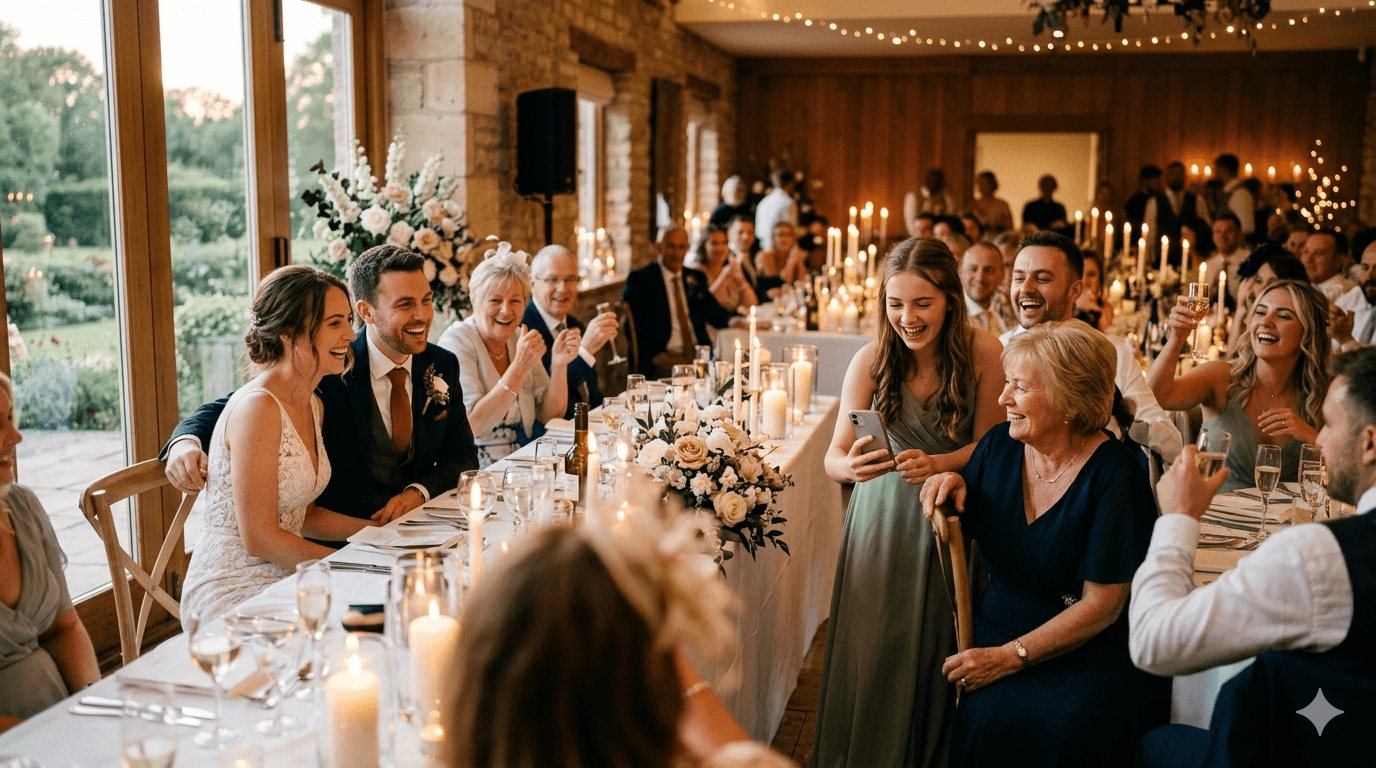
The technology stays in the background. Guests open an invitation, answer the questions you chose, and later use Story Stations or direct links to join the live parts of the wedding.
A personal invitation or venue link opens in the browser.
The guest answers RSVP, meal, party, and message questions.
On the day, the same phone can add photos, messages, and activity responses.
Clear answers
Useful answers for couples deciding whether the workflow fits their wedding and their guest list.
No. Invitations, RSVP, story pages, photo uploads, messages, activities, and music requests open in a modern phone browser. Guests do not create an OurLoveStory account.
Yes. The couple can build and preview the wedding website and guest experience before invitation links or Story Stations are shared.
The RSVP flow supports attendance, party details, plus-ones, meal choices, dietary notes, and a personal message. The exact questions depend on how the couple configures the event.
A Story Station is a printable card at the venue that opens a chosen wedding page on a guest’s phone. It can lead to a story chapter, photo wall, guestbook, schedule, activity, or another page.
Yes. Seating tools use the same guest and RSVP information, so table decisions can stay close to the attendance data instead of living in a separate spreadsheet.
Every paid plan includes the 30-day money-back guarantee described on the pricing page.
Want to understand a specific part first?
Your story starts here
Create the story and core details first. Add guests, invitations, seating, and the live experience as the plan takes shape.
From $99 one-time · Full feature set on every plan · 30-day money-back guarantee